




If your Genie garage door opener stopped responding to your remote, or you just installed a new unit, the issue usually comes down to programming. Syncing a Genie garage door opener is one of the most common service requests technicians handle, and in most cases, a proper setup can prevent a lot of frustration down the road.
This guide walks you through everything you need to know about Genie garage door opener programming, from finding the learn button to syncing remotes and working through common issues. Whether you have a basic entry-level model or a newer Genie Pro Max, these steps will help you get things running the right way.
Understand How Genie Garage Door Opener Programming Works
Before you touch any buttons, it helps to know what programming actually does. When you program a Genie garage door opener, you are teaching the opener to recognize a specific remote or keypad. This is done through a radio frequency signal that the opener stores in its memory.
Most Genie models operate on either a 390 MHz or 315 MHz frequency. Newer models use Intellicode rolling code technology, which means the signal changes every time you use the remote. This adds a layer of security to your system and prevents unauthorized access.
Understanding this process also matters when something goes wrong mechanically. If your door is not responding properly even after programming, the issue may be on the mechanical side. For a closer look at that, check out Mastering Garage Door Mechanics: How Do You Adjust a Garage Door Opener Effectively? for guidance on the physical components that affect performance.
What You Need Before You Start Programming
Getting organized before you begin saves time and avoids repeated mistakes. Here is what you should have ready:
- Your Genie garage door opener remote or keypad
- Access to the motor unit, usually mounted on the ceiling of your garage
- A stepladder if the unit is mounted high
- The model number of your opener, found on the label on the motor unit
- Fresh batteries in your remote
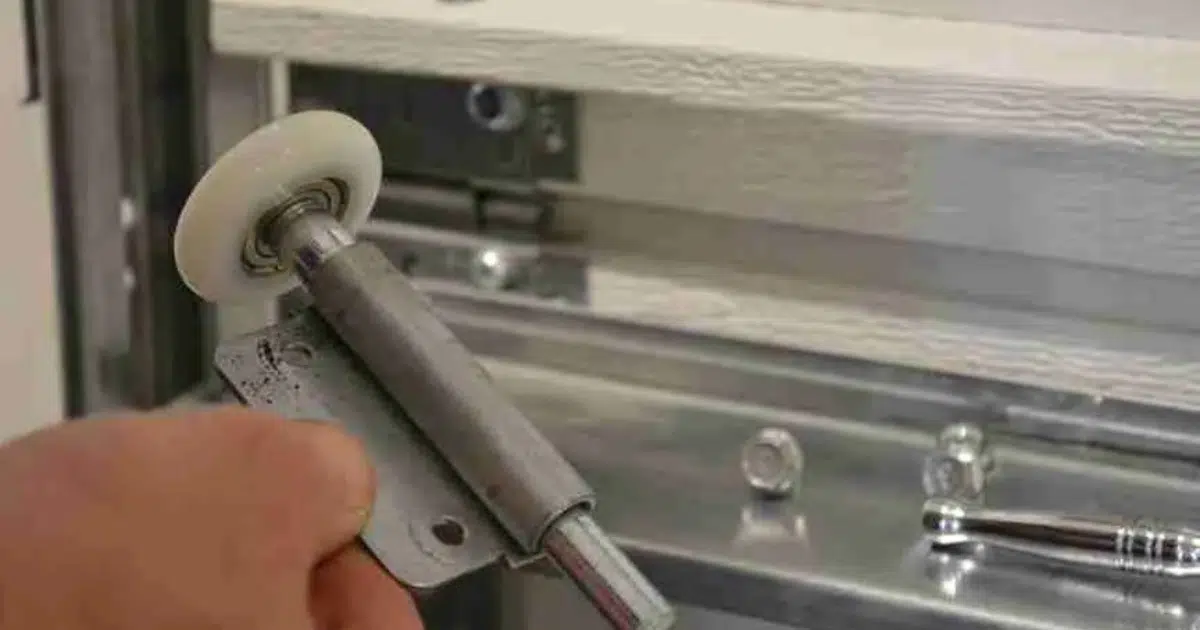
Before starting, check that the opener is plugged in and that the door moves freely by hand. Regular garage door maintenance, including lubricating the tracks, rollers, and hinges, plays a big role in keeping the door moving the way it should. If the door feels stiff or uneven, have a technician inspect it before you begin. Trying to program an opener attached to a door that does not move correctly will not give you reliable results.
How to Find the Genie Learn Button
The learn button is the starting point for all Genie garage door opener programming. Without it, you cannot sync a remote or keypad to your unit.
Where Is the Learn Button on Most Genie Models?
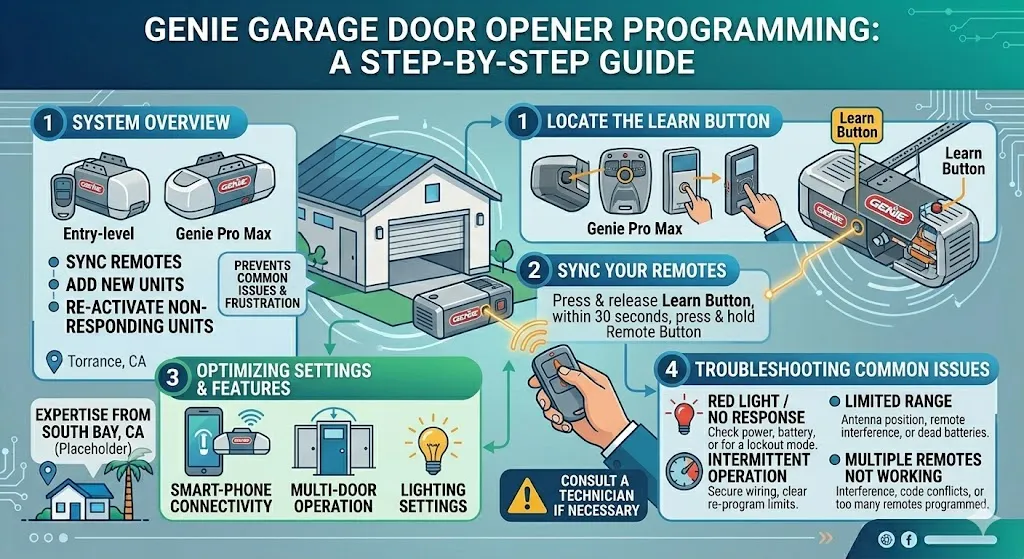
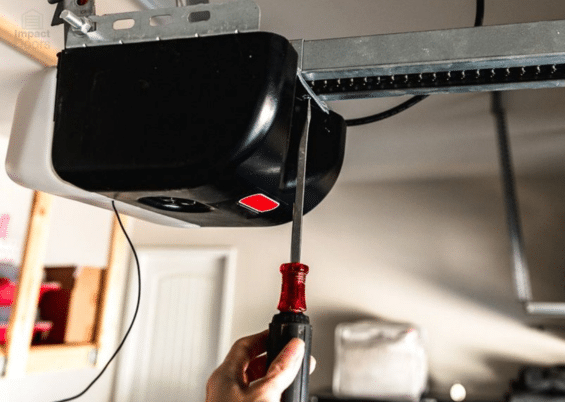
On most Genie openers, the learn button is located on the back or side of the motor unit. It is a small, colored button, usually purple, red, orange, or yellow, depending on the model. In some cases, it is hidden behind a light cover panel that you will need to remove.
Genie 3155D Learn Button Location
For the Genie 3155D, the learn button is found on the back panel of the motor unit. It is typically a purple or red button labeled “PROG” or “Learn.” You may need to remove the light cover to access it.
Genie Model 7055 Programming
The Genie Model 7055 has its learn button on the side panel of the motor housing. It is an orange or yellow button. This model also has a built-in Wi-Fi module, so programming can also be completed through the Aladdin Connect app in addition to the manual button method.
How to Program Genie Garage Opener: The Core Steps
This section covers the actual Genie garage door opener programming process. Follow each step carefully to get a clean sync.
Step 1: Press and release the learn button on the motor unit. The indicator light next to the button will turn on. You have about 30 seconds to complete the next step before the window closes.
Step 2: Press and hold the button on your remote that you want to use. Hold it until the opener light blinks or you hear two clicks. This confirms the remote has been synced.
Step 3: Test the remote by pressing the button once. The door should move. If it does not, repeat the process from Step 1.
Step 4: If you are programming a wall-mounted keypad, enter your chosen PIN and then press the “PROG” or “Send” button on the keypad during the 30-second window after pressing the learn button.
Tip: If programming fails after two or three attempts, clear the opener’s memory first. Hold the learn button for about 10 seconds until the indicator light goes out. Then start the process again from Step 1.
For model-specific instructions and manual downloads, visit Genie’s official support page to find guidance for your exact model.
How to Reprogram a Genie Garage Door Opener After a Reset
There are several situations where you may need to fully reprogram your opener. These include moving into a new home, replacing a lost remote, or recovering after a power surge.
To reprogram a Genie garage door opener, start by clearing all stored codes from the memory. Hold the learn button for about 10 seconds. The indicator light will flash and then go out, which confirms all codes have been erased.
After clearing the memory, follow the steps in Section 4 to add your remotes and keypads back. If you have more than one remote, program them one at a time.
What to Check First:
- Make sure the opener is not in vacation lock mode, which blocks all remotes
- Check the remote batteries before assuming the opener is the problem
- Inspect the antenna wire on the motor unit and confirm it is hanging down, not coiled or tucked up
How to Program a Genie Pro Max Garage Door Opener
The Genie Pro Max is one of the more advanced units in the Genie lineup. It supports Intellicode 2 technology and can be paired with smart home systems for remote access and monitoring.
To program a Genie Pro Max garage door opener, the process is similar to standard models with a few differences:
- The learn button is inside the light cover panel on the motor unit
- The model supports both traditional remote programming and smartphone control through the Aladdin Connect app
- If the unit is brand new, you may need to check for a firmware update before the programming is recognized
If you are setting this up for the first time, check the manual that came with the unit or download it from the manufacturer’s website.
Syncing Your Genie Opener to Your Car’s HomeLink System
Many newer vehicles have a built-in HomeLink system that lets you control your garage door from buttons on the rearview mirror or sun visor. Syncing a Genie garage door opener to HomeLink requires a slightly different approach than a standard remote.
Here is the general process:
- Clear existing codes in your HomeLink system by holding the two outer buttons until the indicator light flashes rapidly.
- Hold your Genie remote close to the HomeLink buttons and press both at the same time.
- When the HomeLink light changes from a slow blink to a rapid blink, you have a preliminary connection.
- Press the learn button on the opener motor unit, then press the HomeLink button in your car twice to complete the sync.
This process works for most Genie models. If your vehicle is a 1995 or newer model with a fixed-code system, the process may vary slightly depending on the make and model.
The Door and Access Systems Manufacturers Association provides safety standards that apply to all garage door opener installations, including guidance on proper remote and HomeLink setups.
Common Programming Issues and How to Avoid Them
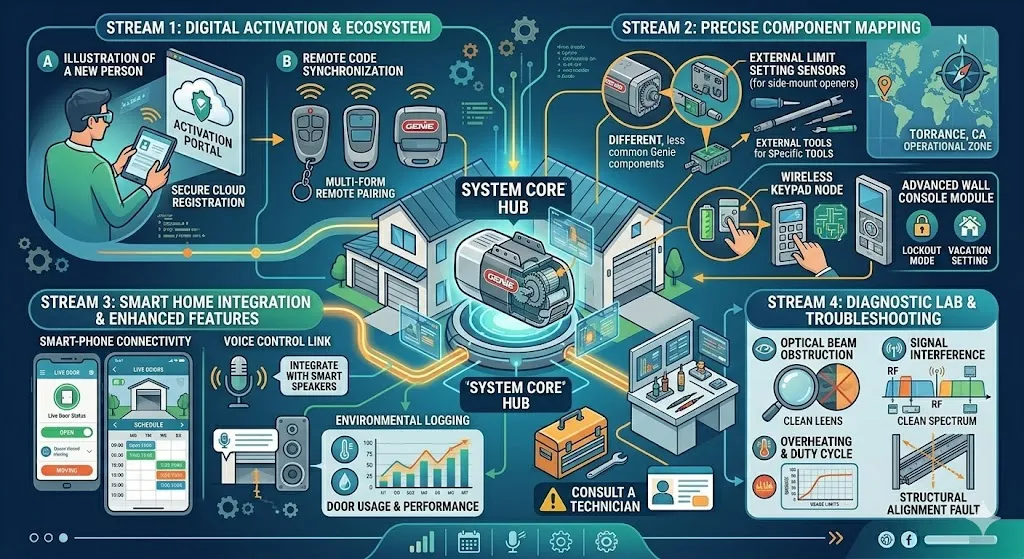
Even with the right steps, programming does not always go smoothly. Here are the most common issues homeowners in Torrance, CA run into and what to check.
Remote Not Syncing This is usually a battery issue or a range problem. Replace the batteries first. If that does not help, check whether the antenna wire on the motor unit is hanging freely and is not damaged.
Opener Light Blinks but Door Does Not Move This usually means the remote synced, but there is a mechanical issue with the door or the travel limits need adjustment. A technician should inspect the opener and door hardware separately.
Codes Erasing on Their Own If your opener keeps losing programmed remotes, it may be a failing memory board or power fluctuations from the electrical supply. A professional should evaluate the unit.
Multiple Remotes Stopped Working After Programming One Genie openers can store multiple remote codes. If only one works after a session, you may have accidentally cleared the others. Reprogram each remote one at a time to restore it.
If you run into limit or force issues during this process, Simple Tips for Adjusting a LiftMaster Garage Door Opener offers a helpful look at how opener adjustments work on a different system, which can help you understand what a properly tuned opener should feel like.
When to Stop Troubleshooting and Call a Professional
Genie garage door opener programming is something most homeowners can handle. But there are situations where calling a technician is the safer and smarter choice.
- The motor unit is making grinding, buzzing, or clicking noises
- The door reverses before it fully closes or opens
- The remote only works when you are standing directly beneath the opener
- You have attempted reprogramming multiple times without success
- There is visible damage to the motor unit, wiring, or circuit board
Trying to repair internal components without proper training can cause additional damage or create a safety risk. Costs for professional garage door service may vary depending on the issue and the parts involved. A proper diagnosis by a trained technician will save you time and prevent a small issue from turning into a larger one.
Get Your Genie Opener Programmed and Running Right
Programming your Genie garage door opener the right way is about more than just convenience. It is about making sure your home is secure, and your daily routine is not interrupted by a door that refuses to cooperate. From finding the learn button to clearing memory and syncing remotes, each step in this guide is designed to help you work through the process confidently and correctly.
If you are in the Torrance, CA area and your Genie opener is giving you trouble that goes beyond a simple reprogram, the team at G & G Garage Door is here to help. Whether it is a programming issue, a mechanical problem, or a full opener replacement, our technicians have the hands-on experience to get it done right. Contact us today or give us a call at 310-782-9000 to schedule your service.