






You press your remote, and nothing happens. The door stays shut. You press it again, maybe a little harder this time, and still nothing. Before you assume the worst, there is a good chance the issue is something as simple as a dead battery.
Garage door opener battery replacement is one of the most common and most overlooked maintenance tasks a homeowner can do. It takes just a few minutes, costs very little, and can save you the frustration of a service call that turns out to be completely unnecessary. For homeowners in Torrance, CA, where coastal humidity and temperature changes can affect battery performance, staying on top of this one task makes a real difference in how reliably your opener works day to day.
This guide covers everything you need to know, from understanding which parts of your opener use batteries, to step-by-step replacement instructions, to tips for getting the longest possible life out of every battery you install.
Does a Garage Door Opener Have a Battery? Understanding What Runs on Power
This is one of the most common questions homeowners ask, and the answer is yes, but with some important details. A garage door opener system actually uses batteries in more than one place, and each serves a different function.
Understanding the full list of Garage Door Opener Parts: Fast and Easy Replacement helps you see exactly where batteries fit into the bigger picture of how your opener system works.
Remote controls and keypads
Your handheld remote and exterior keypad both run on batteries. These are the batteries most homeowners replace regularly. When they go dead, the remote stops sending signals to the motor unit, and the door will not respond.
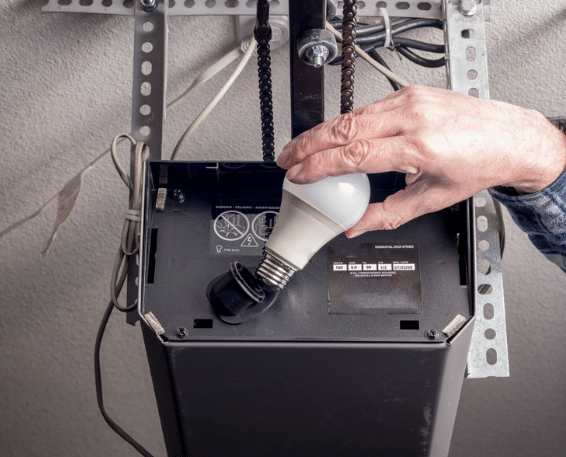
Backup battery in the motor unit
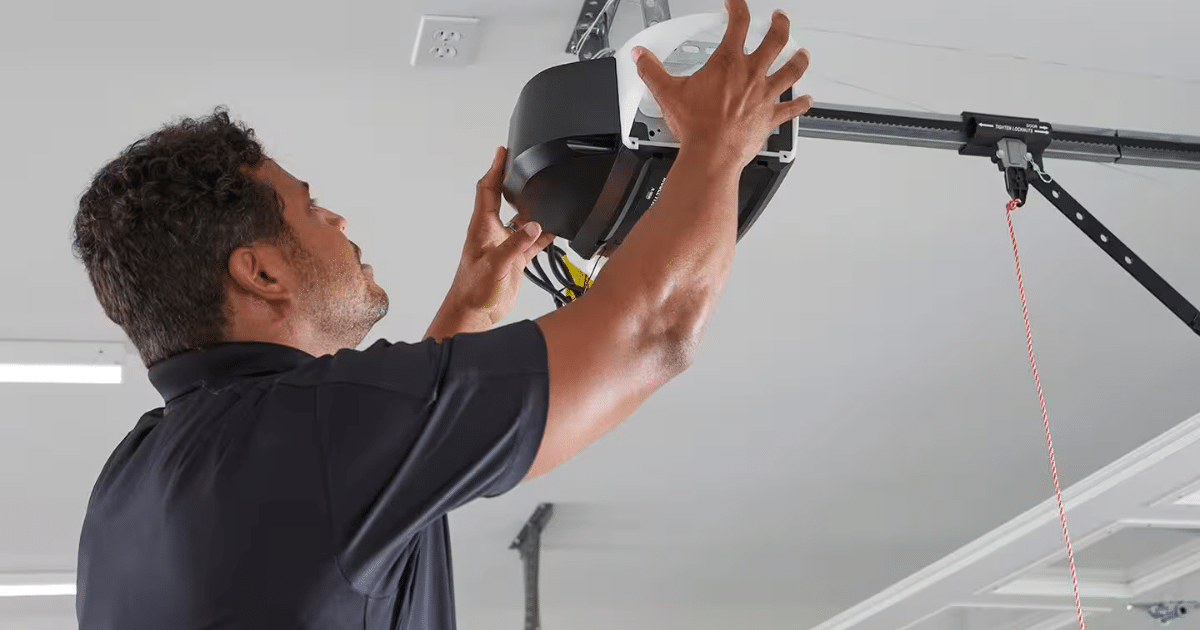
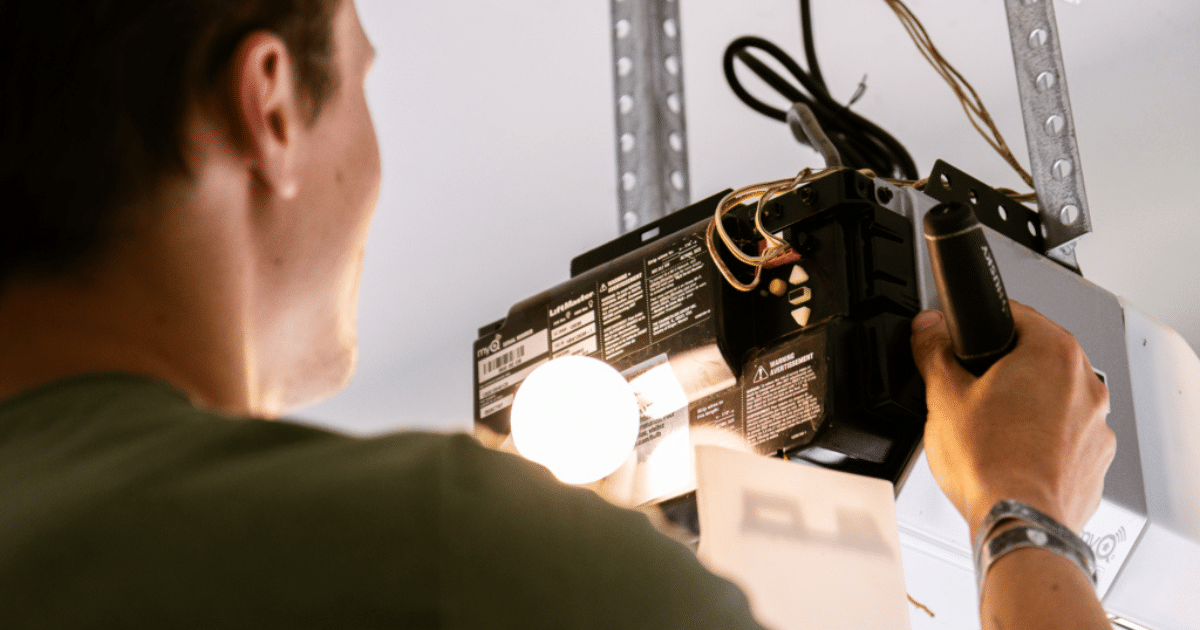
Many modern garage door openers, particularly newer Chamberlain and LiftMaster models, include a built-in backup battery inside the motor unit itself. This battery is designed to power the opener during a power outage, so you can still open and close your door even when the electricity is out. This is a larger rechargeable battery and is separate from the small batteries in your remote.
Smart opener batteries
Some newer smart garage door openers also have batteries in add-on accessories like door position sensors, smart keypads, and Wi-Fi bridge devices. These batteries tend to last longer but should still be checked annually.
How to Tell When Your Garage Door Opener Battery Needs Replacing
Batteries rarely die without warning. There are usually several signs that point to a failing battery before it stops working completely. Catching these early saves you from the inconvenience of a remote that goes dead at the worst possible moment.
- The remote only works when you are standing very close to the door, within a few feet, instead of from the street or driveway
- You need to press the button multiple times to get a response
- The response time from pressing the button to the door moving has become noticeably slower
- The opener works fine from the wall button inside the garage, but not from the remote
- The indicator light on the remote is dim or flickers when pressed instead of glowing steadily
- Your opener’s motor unit displays a battery warning light or sends an alert through its companion app if it is a smart opener
In Torrance, where temperatures can shift between cool marine layer mornings and warm afternoons, batteries in remote controls and keypads can drain faster than in more stable climates. If your remote starts acting inconsistently during cooler months, a fresh battery is always the first thing to check.
What Type of Battery Does Your Remote Use?
Before purchasing a replacement, you need to know which battery your remote or keypad uses. The most common types found in residential garage door opener remotes are listed below.
CR2032 lithium coin battery
This flat, round battery is used in a wide range of compact remotes, including many Chamberlain, LiftMaster, and Genie models. It is widely available at hardware stores, pharmacies, and grocery stores throughout Torrance and can be found for a very low cost per battery.
AA or AAA alkaline batteries
Larger remotes and most exterior keypads use standard AA or AAA batteries. These are the same batteries you use in television remotes and flashlights, making them easy to find and replace.
A23 or 12-volt battery
Some older or specialty remotes use a small cylindrical A23 battery. These are less common but are still available at most electronics and hardware stores.
How to find the right battery
- Open the battery compartment on the back of your remote or keypad
- The battery type is usually printed directly on the battery itself
- If the label has worn off, check your opener’s manual or look up your model number online
- When in doubt, bring the old battery to the store for a direct match
Step-by-Step Guide to Replacing Batteries in Your Garage Door Opener Remote
Replacing the battery in a standard garage door remote is a straightforward task. Here is how to do it cleanly and correctly.
Step 1: Locate the battery compartment
Most remotes have a small panel on the back that slides open or unclips. Some require a small flathead screwdriver to pry open. Handle the casing carefully to avoid cracking the plastic.
Step 2: Remove the old battery
Take note of the battery orientation before removing it. Most compartments have a plus (+) and minus (-) symbol marked inside. For coin batteries, use your fingernail or a small tool to gently lift the battery out of its slot.
Step 3: Insert the new battery
Match the orientation exactly. The positive side of the battery should face the direction marked in the compartment. Press the battery firmly into place until it sits flat and secure.
Step 4: Close the compartment and test
Snap or slide the cover back into place. Stand at your normal operating distance from the door and press the button. The door should respond immediately with a full, strong signal.
Step 5: Reprogram if needed
In most cases, replacing the battery does not require reprogramming. However, some older remotes lose their memory when the battery is fully depleted. If the remote does not work after a fresh battery, check your opener manual for the pairing steps specific to your model.
Battery Replacement for Chamberlain and Clicker Remotes
Chamberlain is one of the most widely used garage door opener brands among Torrance homeowners, and their remotes are among the most frequently serviced. Battery replacement for a Chamberlain garage door opener remote follows the same general steps above, but there are a few brand-specific details worth knowing.
The Chamberlain clicker battery replacement process uses a CR2032 coin battery on most of their compact remotes. The battery compartment is typically on the back of the remote and opens by pressing a small tab on the side. Chamberlain’s full-size remotes and three-button models often use a CR2032 as well, though some older models use AA batteries.
According to Chamberlain’s official support article on remote‑battery replacement, if your remote stops working after a battery change, pressing the Learn button on the motor unit and then the button on your remote will re‑establish the connection in most cases.
How to Replace the Backup Battery in Your Motor Unit
The backup battery inside your motor unit is a different process from replacing a remote battery. This is the rechargeable battery that keeps your opener running during a power outage, and it has a limited lifespan of its own.
Signs the backup battery needs replacing
- A red battery indicator light on the motor unit is illuminated
- You receive a low battery alert through your smart opener app
- The opener works normally with power but fails completely during an outage
- The backup battery is more than three to five years old
General replacement steps
- Disconnect the opener from power before handling the motor unit
- Locate the battery compartment, usually on the side or bottom of the motor unit housing
- Disconnect the old battery connector carefully and remove the battery
- Insert the replacement battery, matching the connector orientation exactly
- Restore power and confirm the battery indicator light turns green or off
Backup battery replacement is a task most homeowners can handle, but if you are not comfortable opening the motor unit housing, a technician can do it quickly during a routine garage door maintenance visit.
How Torrance’s Climate Affects Garage Door Opener Battery Life
Battery performance is directly affected by temperature. In Torrance, the marine climate means cooler, humid mornings are common throughout the year, particularly in the spring and early summer months when the marine layer is thickest.
Cold temperatures reduce the chemical activity inside batteries, which lowers the voltage they can deliver. This is why a remote might work perfectly on a warm afternoon but feel sluggish or unresponsive on a cool morning. The battery is not dead. It is simply performing below its optimal output due to the temperature.
- Store spare batteries inside your home rather than in the garage to keep them at room temperature
- Avoid leaving remotes on your car dashboard where they experience extreme heat during warmer months
- Use lithium batteries in remotes instead of alkaline when possible. Lithium batteries perform significantly better in cold and humid conditions
- Replace batteries proactively once a year rather than waiting for them to fail completely
When a Battery Change Does Not Solve the Problem
Sometimes a fresh battery does not bring the remote back to life, and that points to a different issue entirely. Knowing what to check next saves time and helps you give a technician accurate information before they arrive.
- The remote’s internal circuit board may be damaged from a drop or moisture exposure
- The remote may have lost its programming and needs to be re-paired to the motor unit
- The motor unit’s antenna may be damaged or blocked, reducing its ability to receive signals
- There may be radio frequency interference in your area, affecting the signal
- The remote itself may be at the end of its lifespan and need full replacement
If reprogramming does not resolve the issue, replacing the remote is usually the most cost-effective next step before pursuing a motor unit inspection. Most replacement remotes are widely available and straightforward to program.
For issues that go beyond the remote and involve the opener’s internal components or connection wiring, the Understanding Garage Door Opener Wires: A Complete Guide to Installation and Troubleshooting covers those deeper system checks in full detail.
Smart Opener Battery Maintenance: What Is Different
Smart garage door openers add a layer of battery-powered accessories that traditional openers do not have. If you have upgraded to a smart opener or added a smart controller to an existing unit, here is what to keep in mind for battery maintenance.
- Smart wall controllers and door position sensors have their own batteries separate from the motor unit
- Most smart opener apps will notify you when accessory batteries are running low, but only if notifications are enabled in the app settings
- Wi-Fi bridge devices that connect older openers to smart home systems also use batteries in some models
- Check all accessory batteries at the same time you replace your remote battery to keep everything on the same schedule
According to Consumer Reports’ guide to smart home devices and technology, smart features like real‑time alerts and remote monitoring are only as reliable as the batteries powering the accessories that support them, making regular battery maintenance especially important for smart‑opener owners.
Building a Battery Replacement Routine That Actually Sticks
The easiest way to avoid battery-related opener failures is to build a simple annual routine. Most homeowners find it easiest to tie battery replacement to another recurring task so it does not get forgotten.
- Replace all garage door remote and keypad batteries once a year, even if they still seem to be working fine
- Pair the task with something you already do annually, such as changing smoke detector batteries or scheduling your HVAC service
- Keep a small stock of the correct battery types in a drawer inside your home so you always have a replacement on hand
- After replacing batteries, test every remote and keypad from your normal operating distances to confirm they are working at full strength
- Note the date of your last replacement somewhere convenient, such as inside the battery compartment cover, so you always know when it is time again
A consistent replacement schedule costs almost nothing but saves you from the frustration of a dead remote at the worst possible time, like when you are running late in the morning or trying to get into your garage after dark.
A Small Habit That Keeps Your Garage Running Without Interruption
Garage door opener battery replacement is one of those small maintenance tasks that rarely gets any attention until something stops working. But as this guide shows, staying ahead of it is simple, affordable, and well within reach for any Torrance homeowner. From identifying which battery your remote needs to understanding how your motor unit’s backup battery works, the knowledge you now have puts you in control of one of your home’s most used systems.
If a battery swap did not solve your problem, or if your opener needs a more thorough inspection, G & G Garage Door is here to help. We serve homeowners throughout Torrance and the surrounding areas with dependable garage door service you can count on. Give us a call or contact us today to schedule your visit.